· Glossary · 2 min read
What Is Caching?
Caching is the process of storing copies of files or data in a temporary storage location so they can be accessed more quickly. Learn the fundamentals of caching.
Fetching data from a database is slow. It involves disk I/O. It involves network hops.
Caching is the cheat code that makes it fast.
Simple Definition
Caching is the process of storing copies of files or data in a temporary storage location so they can be accessed more quickly.
It is based on the idea that if you asked for something once you will probably ask for it again soon.
Imagine a librarian. Without a cache she walks to the basement archive for every book request. With a cache she keeps the most popular books on her desk.
Storing data in temporary high-speed access
The cache is smaller and faster than the main database. It usually runs in memory (RAM) rather than on disk.
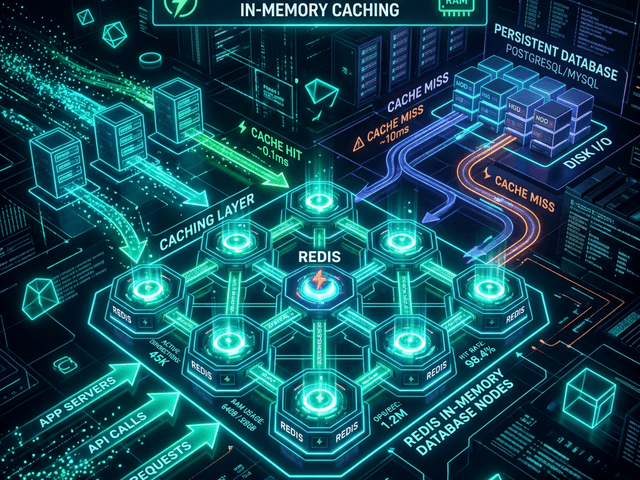
When an application needs data it checks the cache first. This is a “Cache Hit” (fast). If the data isn’t there it checks the database. This is a “Cache Miss” (slow).
Types of Caching
Caching happens everywhere.
- Browser Cache: Your Chrome browser saves images so it doesn’t download the logo on every page refresh.
- CDN (Content Delivery Network): Servers around the world store copies of your video files closer to the user.
- Application Cache: Tools like Redis or Memcached store database query results in RAM.
Visualizing Caching
In a system design interview knowing where to put the cache is critical.
Placing a node between App and DB
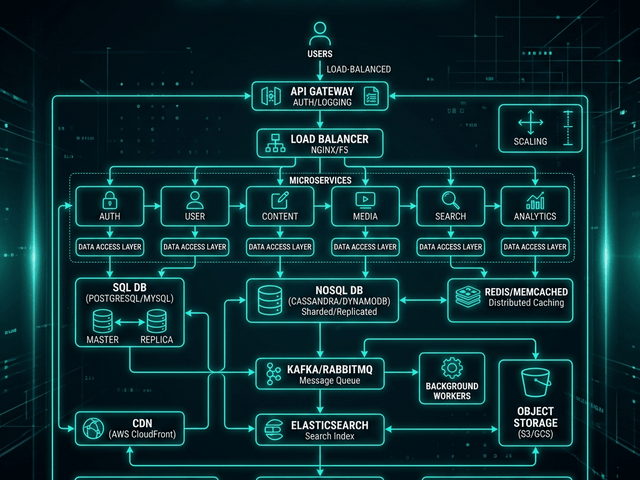
In a System Architecture Diagram the cache sits between the Application Server and the Database.
You draw an arrow from App to Cache labeled “1. Check.” You draw an arrow from App to DB labeled “2. Fallback.”
This visual placement highlights the strategy: Protect the database.
Related Terms
To master performance you need these terms:
- Latency: The time it takes to fetch data. Caching reduces latency.
- Eviction Policy: The rule for deciding what to delete when the cache is full (e.g. LRU: Least Recently Used).
- TTL (Time To Live): How long data stays in the cache before it expires.
For more on designing high-performance systems check out our System Design Guide.