· Database · 3 min read
MySQL to ERD: Reverse Engineering Relational Schemas
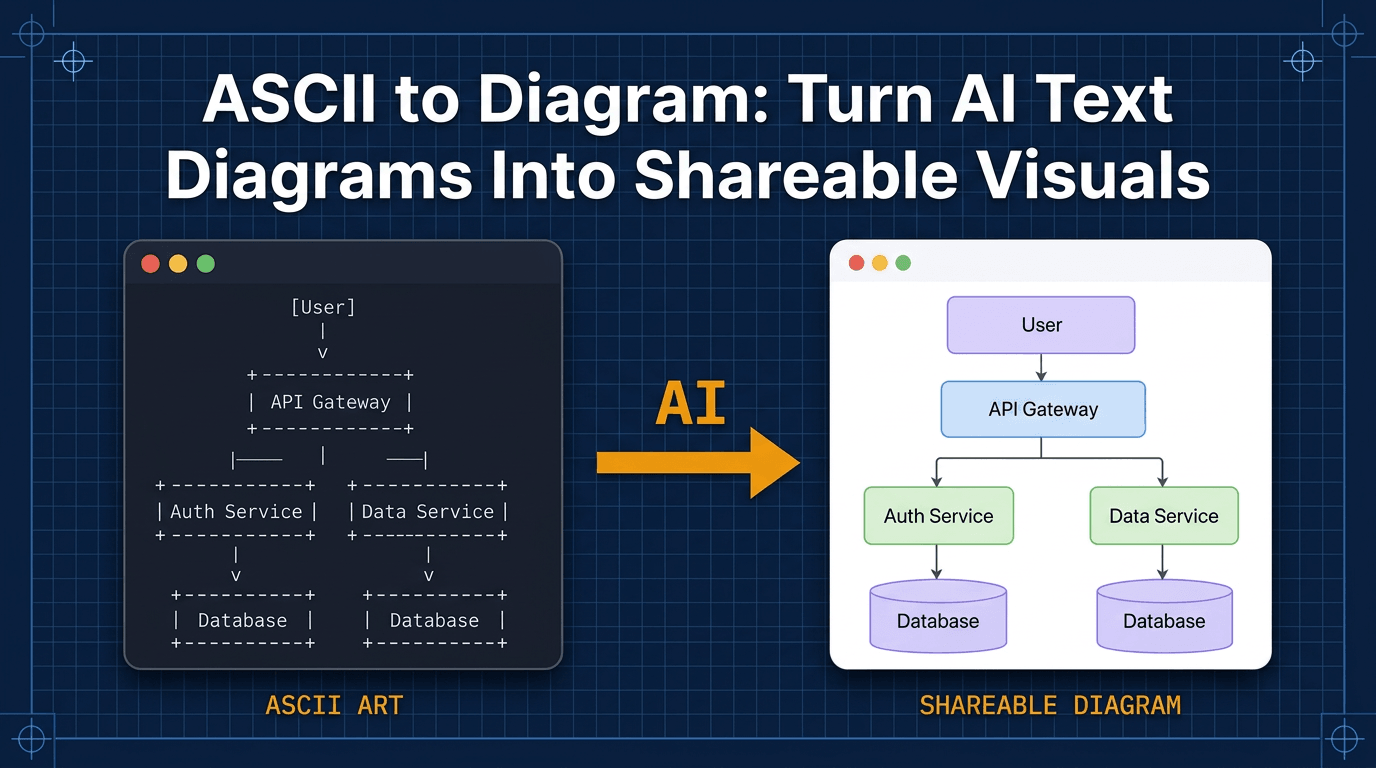
This guide explains how to use an AI-powered MySQL ERD generator to reverse engineer your legacy database and turn your schema dump into a clean visual map instantly.

MySQL powers the web. From WordPress blogs to massive Facebook shards it is the default choice for relational data.
But managing a MySQL schema that has evolved over ten years is painful.
You have tables using MyISAM. You have tables using InnoDB. You have inconsistency in naming conventions because three different CTOs have hired three different teams.
You need to understand the database structure. But you don’t want to read 10,000 lines of SQL dump.
This guide explains how to use an AI-powered mysql erd generator to reverse engineer your legacy database. We will turn your schema dump into a clean visual map instantly.
Managing Legacy MySQL Databases
MySQL is forgiving. It lets you get away with bad habits.
The danger of MyISAM vs InnoDB relationships
In older MySQL engines like MyISAM foreign key constraints weren’t enforced. You could link tables logically in your application code (PHP/Java) but the database itself didn’t know about the link.
This creates “Ghost Relationships.”
If you look at the schema you just see two integer columns. user_id and id. There is no CONSTRAINT keyword connecting them.
This makes traditional ERD tools fail. They rely on explicit constraints.
Our AI approach is smarter. We infer relationships based on naming conventions. If we see a column named user_id inside the orders table we draw the line to the users table even if the strict foreign key definition is missing.
The Workflow: mysqldump to Visual
We use the standard backup tool you already know.
Extracting the DDL (Data Definition Language)
You don’t need to dump the data. That would be huge and insecure. You just want the structure.
Run this command: mysqldump -d -u root -p dbname > schema.sql
The -d flag tells MySQL “No Data.” It only exports the CREATE TABLE statements.
Pasting into AI Diagram Maker
Open the .sql file. Copy the text.
Paste it into our tool. The AI parses the MySQL-specific syntax. It handles the backticks around table names. It ignores the ENGINE=InnoDB settings at the end.
It extracts the entities and attributes.
Visualizing Specific MySQL Constraints
MySQL schemas often contain specific optimization hacks.
Mapping Foreign Keys and Indexes
The generated ERD highlights the keys. You see the Primary Key (PK) which identifies the row. You see the Foreign Keys (FK) which link the tables.
You can also ask the AI to highlight Indexes. “Show me which columns are indexed.”
This visual audit helps you spot performance issues. “Why are we querying by email when there is no index on that column?”
Handling huge schemas with 100+ tables
If you paste a massive schema the default diagram might be too cluttered.
You can use the chat interface to filter it. “Only show tables related to Orders and Payments.”
The AI filters the graph. It creates a “Sub-Schema” view. This allows you to focus on one module at a time without getting overwhelmed by the entire legacy mess.
Comparison: MySQL Workbench vs AI Diagram Maker
MySQL Workbench has a built-in reverse engineer tool. Why use AI?
Speed and auto-layout quality
Workbench is heavy. It takes time to connect. And the auto-layout often piles all the tables on top of each other requiring you to manually drag them apart for an hour.
AI Diagram Maker optimizes for readability. It uses graph algorithms to minimize line crossings. It groups related tables.
It also works in the browser. You don’t need to install a desktop app or configure JDBC drivers. You just paste text and get a visual.
By characterizing your MySQL schema visually, you regain control over your data. You move from guessing about relationships to seeing them clearly.