· Database · 5 min read
PostgreSQL to ERD: Visualizing Schemas for Backend Devs
Stop interacting with your database through raw text lists. Learn how to use an AI-powered PostgreSQL ERD tool to instantly visualize schemas, understand foreign key constraints, and plan migrations using standard Crow's Foot Notation.
PostgreSQL is the world’s most advanced open source database. We love it for its robustness and its features like JSONB and spatial indexing.
But Postgres has a visibility problem.
You interact with it through the command line tool psql. You type \dt to see a list of tables. You get a text list. It tells you nothing about how those tables relate.
To understand the relationships you have to type \d tablename and read the foreign key constraints at the bottom of the output. Then you have to keep that mental link in your head while you look at the next table.
If your schema has more than five tables this mental model collapses. You need an ERD (Entity Relationship Diagram).
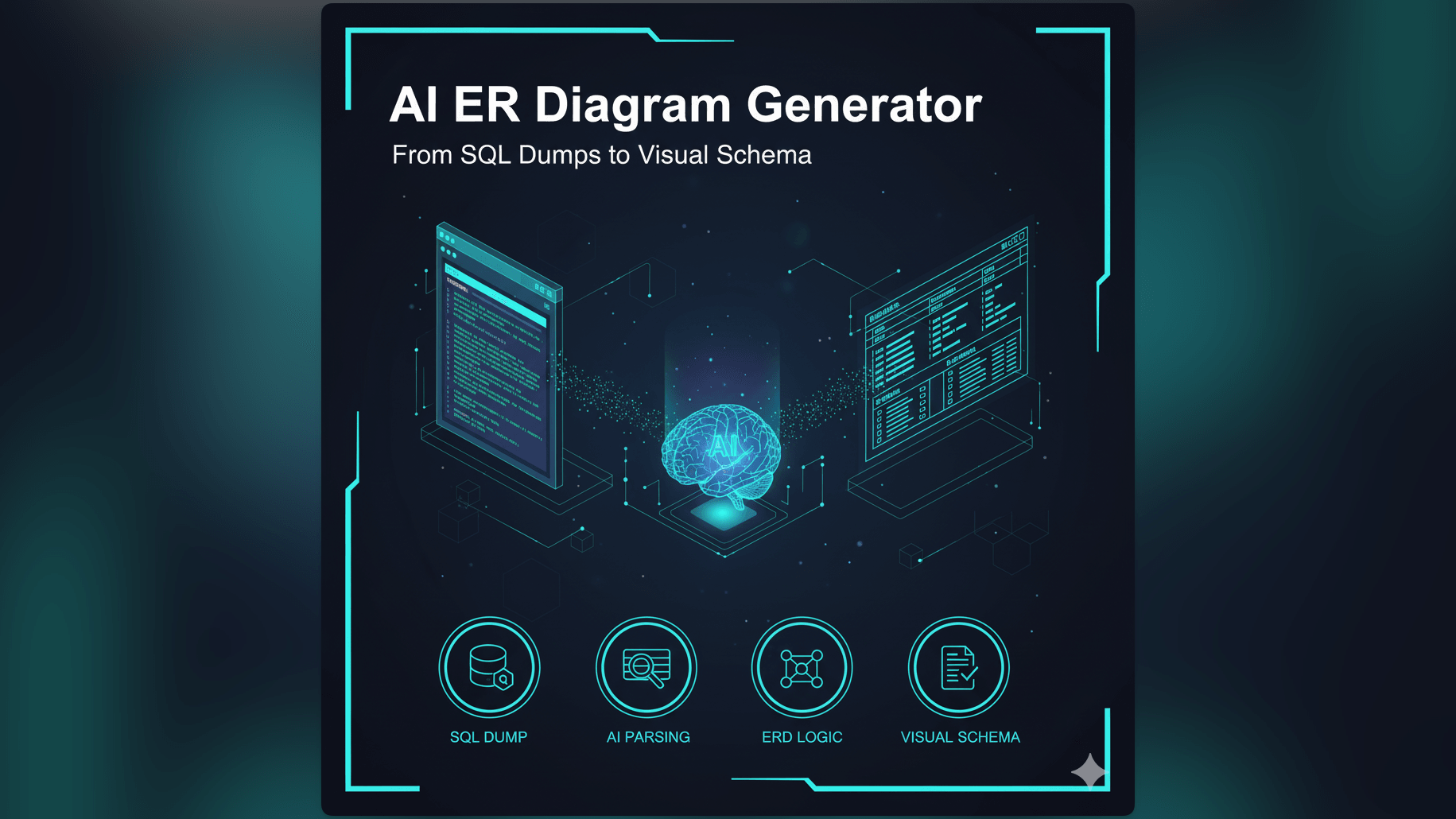
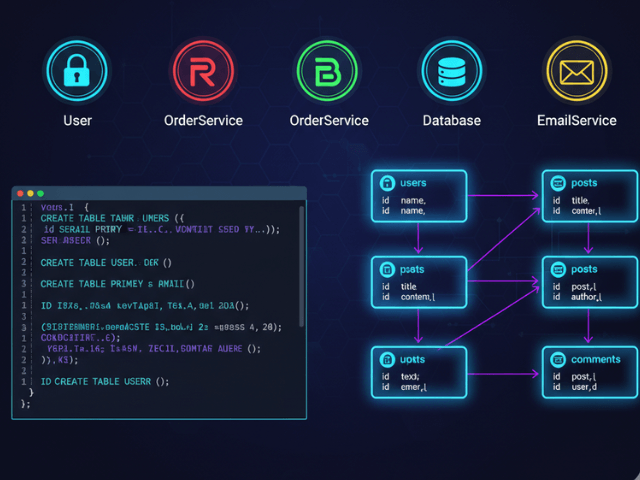
This guide explores how to use an AI-powered postgres erd tool to instantly visualize your schema. We will skip the manual drawing and go straight from SQL dump to visual map.
The Invisible Complexity of Relational Databases
A relational database is defined by its connections. The data is just rows. The logic is in the relationships.
Why \dt in Command Line Isn’t Enough
The command line is great for speed but terrible for discovery. When you list tables you see them alphabetically. account_roles sits next to accounts.
But you don’t see that account_roles actually links accounts to roles. You don’t see the bridge. You miss the structure.
This blindness leads to bad queries. You might write a JOIN that is inefficient because you didn’t realize there was a more direct path between two tables.
The Importance of Visualizing Foreign Key Constraints
Foreign Keys are the steel cables holding your data architecture together. They enforce integrity.
Visualizing them reveals the dependency graph. You can see which tables are the “leaves” (safe to delete from) and which are the “roots” (dangerous to touch). Seeing the lines connecting the boxes prevents cascading delete accidents.
How to Visualize Your Postgres Schema with AI
We built our tool to parse PostgreSQL syntax natively. We understand SERIAL types UUID defaults and constraints.
Using pg_dump to Get the Structure
You don’t need to give us access to your live database. That would be a security risk.
Instead you use the standard Postgres tool pg_dump. You run a command to export only the schema (not the data).
pg_dump -s dbname > schema.sql
This generates a text file containing all the CREATE TABLE commands. This file is safe to share because it contains no user data.
Importing SQL into AI Diagram Maker
You paste that text file into our tool.
Our AI reads it. It identifies the entities. It parses the column definitions. It extracts the comments you added to your columns (you did add comments right?).
Automatic Detection of Primary Keys and Cardinality
The engine looks for PRIMARY KEY definitions to identify the unique identifiers. It looks for REFERENCES clauses to find the relationships.
It uses this information to determine Cardinality. If a foreign key has a UNIQUE constraint it knows it is a one-to-one relationship. If not it is one-to-many. It draws the diagram accordingly.
Understanding Crow’s Foot Notation in the Output
We use standard Crow’s Foot Notation because it is the industry standard for clarity.
One-to-One vs. One-to-Many Relationships
You will see lines connecting your tables.
If the line ends in a simple tick mark it means “One.” If it ends in a three-pronged fork (the crow’s foot) it means “Many.”
This visual language lets you read the business rules from the diagram. “One User can have Many Orders.” “One Profile belongs to One User.”
Identifying Join Tables in Many-to-Many Relationships
Postgres handles many-to-many relationships using a join table.
In the diagram this shows up clearly as a central box with two “Many” lines pointing into it. Seeing this pattern visually helps you identify where your complex joins will be.
Workflow: Planning a Migration
The most valuable time to use this tool is before you change anything.
Visualizing the Current Schema
Start by visualizing what you have now. Import your production schema.
You might be surprised. “I thought we deleted that table last year.” The diagram reveals the zombie tables that are still cluttering your database.
Prototyping the New Schema via Text Prompts
Now you can iterate. You don’t have to write the migration script yet. This is crucial when planning a database migration.
You can tell the chat: “Add a subscription_id to the users table and link it to a new subscriptions table.”
The AI updates the diagram. You can verify if the new relationship makes sense visually. “Wait that creates a circular dependency with the payments table.” You catch the architectural flaw before you write a single line of migration code.
Why Use an AI Generator Instead of pgAdmin?
Tools like pgAdmin have built-in graphical query builders but they are often clunky and slow.
Speed of Layout
Auto-layout is a hard computer science problem. Most database tools do a bad job of it leaving lines crossing everywhere.
Our engine uses AI to understand the semantic grouping. It tries to keep the “User” related tables together and the “Billing” related tables together. It produces a layout that a human would actually draw.
Ability to abstract and simplify complex schemas
Sometimes you don’t want to see every single column. If you have a table with 50 columns it clutters the view.
With our text-based approach you can say “Only show the primary and foreign keys.” The diagram simplifies instantly giving you a high-level architectural view without the noise.
This capability, central to programmable diagrams, transforms how you interact with your database moving you from rows of text to a clear map of your data empire.