· Comparison · 12 min read
7 Best AI Diagram Tools: Complete Comparison Guide for 2026
Compare the 7 best AI diagram tools in 2026 for developers, architects, and product teams, with pricing, features, pros, cons, and best-fit advice.
Keeping diagrams in sync with real systems is still one of those jobs that quietly slides to the bottom of the list. The architecture changes, the API grows, the onboarding doc falls behind, and suddenly the diagram in your wiki is accurate only in a very historical sense.
That is exactly why AI diagramming tools have become much more interesting over the last year. The useful ones do more than generate a first draft from a prompt. They help you edit on canvas, work from code, collaborate with teammates, and keep visual documentation closer to reality.
According to Stack Overflow’s 2024 Developer Survey, more than 60% of developers spend at least 30 minutes a day searching for answers, and documentation gaps are a big part of that friction.
TL;DR
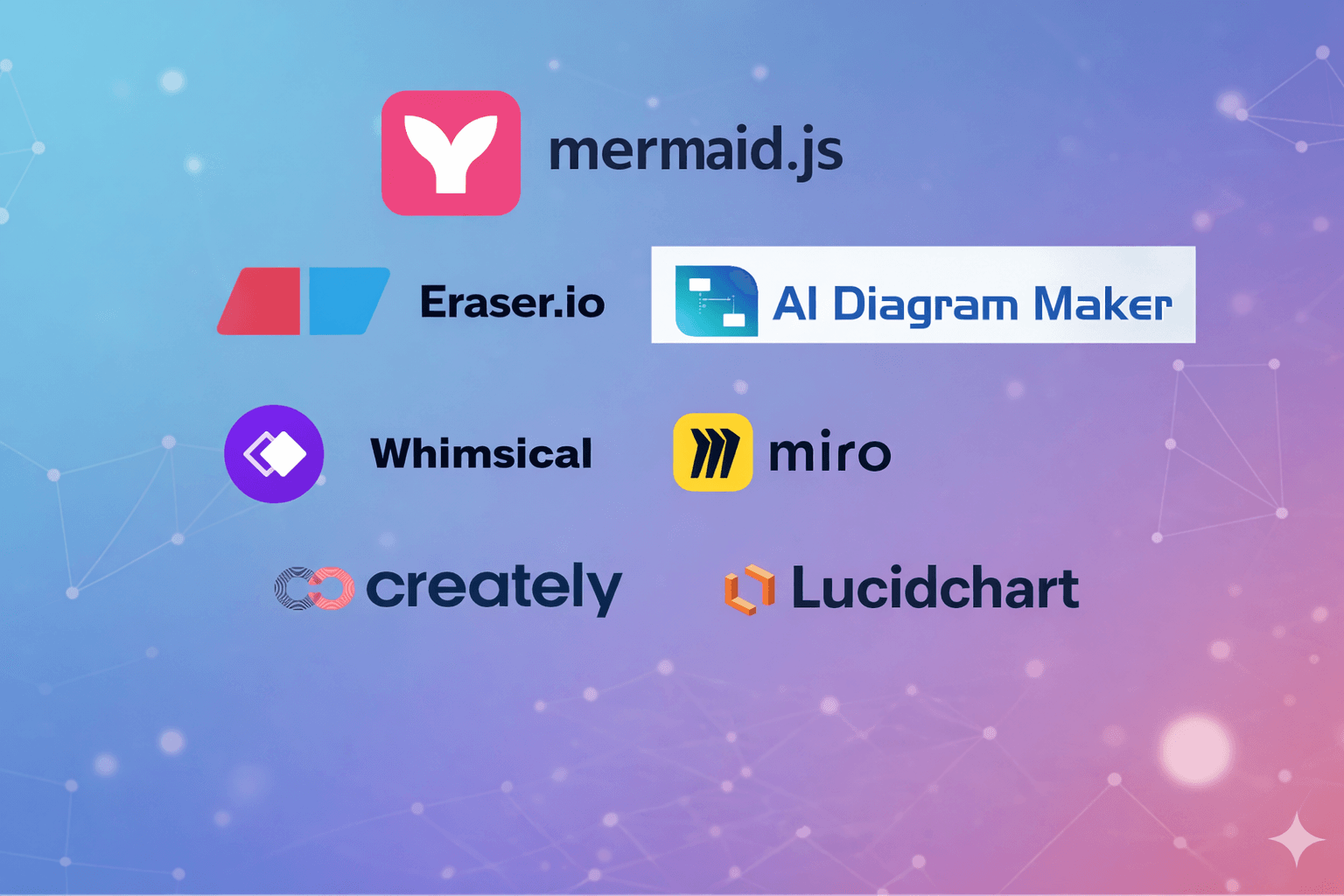
If you want the short version, the best AI diagram tool in 2026 depends on your workflow. AI Diagram Maker is the strongest pick for AI-first creation plus canvas editing, code-to-diagram, and agent-friendly workflows. Eraser is excellent for engineering documentation. Mermaid Chart is a strong fit if Mermaid is already your default language. Lucidchart, Miro, Whimsical, and Creately each make sense for different collaboration-heavy teams.
Quick Comparison Table
Here is the fast answer-first table I would use if I were narrowing the list in one pass.
| Tool | Best for | AI generation | Editing style | Code or agent workflow | Collaboration | Starting price |
|---|---|---|---|---|---|---|
| AI Diagram Maker | Developers and architects who want AI-first diagramming | Excellent | Prompt edits, direct code editing, and canvas editing | Strong code-to-diagram and MCP workflow | Good | Free plan, paid tiers available |
| Eraser | Engineering docs and diagram-as-code | Excellent | Prompt edits plus diagram-as-code | Strong developer integrations | Very good | Free, paid from $15/user/month annually |
| Mermaid Chart | Mermaid-first teams | Very good | Prompt edits plus visual editor | Strong Mermaid workflow | Very good | Free, paid from $10/user/month annually |
| Lucidchart | Enterprise teams | Very good | Canvas-first with AI assistance | Moderate | Excellent | Free, paid tiers available |
| Miro | Product and cross-functional teams | Good | Whiteboard and canvas-first | Moderate | Excellent | Free, paid tiers available |
| Whimsical | Fast flowcharts and lightweight planning | Good | Fast canvas editing | Light | Very good | Free, paid tiers available |
| Creately | Process-heavy business and ops teams | Good | Canvas-first with AI and data linking | Moderate | Very good | Free, paid tiers available |
What Actually Changed in 2026?
The biggest shift is that prompt-to-diagram is no longer enough on its own. Most modern tools can generate a decent first draft. The difference now is what happens next.
The best tools in 2026 help with at least three things:
- They make iteration painless, whether that means conversational editing, direct code edits, or canvas-level tweaks.
- They fit into existing workflows, which is why code-to-diagram, Git-based documentation, and MCP or agent integrations matter more than they did a year ago.
- They reduce polish work. Good icon libraries, theme support, auto-layout, and export quality are not cosmetic extras. They are the difference between “useful draft” and “something I can actually share.”
That is also why I did not just reuse the 2025 ranking. A few tools still belong in the list, but the reasons they belong there have changed.
The 7 Best AI Diagram Tools in 2026
1. AI Diagram Maker
AI Diagram Maker is the tool I would recommend first for software engineers and architects who want AI to do more than spit out a static first draft. The biggest strength here is that it supports the full workflow: you can start from natural language, generate from source code, refine through prompts, switch into direct D2 editing, and make practical changes on the canvas without feeling trapped in one editing model.
That matters more in 2026 because teams are not only generating diagrams from ideas. They are generating them from repositories, review notes, docs, JSON payloads, and even coding agents. AI Diagram Maker has become especially compelling because of the newer product capabilities: easy canvas editing, code-to-diagram support, MCP server support for tools like Cursor and Claude Code, icon support for cloud and architecture diagrams, and theme controls for better presentation-ready output.
Why it stands out
- Multiple creation paths: Start from plain text, images, or source code depending on whether you are designing something new or documenting something that already exists.
- Canvas editing without giving up AI: You can adjust nodes, labels, connections, containers, and styles directly on the canvas instead of regenerating everything for small visual changes.
- Direct code editing: Switch into D2 when you want precision. That makes it a strong fit for developers who like diagram-as-code but do not want to start there.
- Code-to-diagram support: Generate architecture and technical diagrams from repositories, which is much closer to real engineering workflows than starting from a blank whiteboard.
- MCP server support: This is one of the most useful 2026 differentiators. You can create diagrams from coding agents directly, which is great for repo analysis, design review support, and automated documentation flows.
- Icons and themes: Cloud icons, visual themes, and layout controls make output easier to share with stakeholders without extra cleanup.
Pros
- Excellent AI-first experience for developers and architects
- Strong bridge between prompt-based and code-based workflows
- Canvas editing reduces the “regenerate and hope” problem
- Great fit for technical diagrams, system architecture, ERDs, sequence diagrams, and flowcharts
- MCP support opens up agent-native workflows that many older tools still do not handle well
Cons
- Still newer than some enterprise incumbents
- Teams that want a giant whiteboard workspace may prefer Miro or Lucidchart
- Power users will get the most value when they use both AI and code editing modes together
Best for
Software engineers, architects, and technical teams that want AI generation, direct editing control, and code-friendly workflows in one tool.
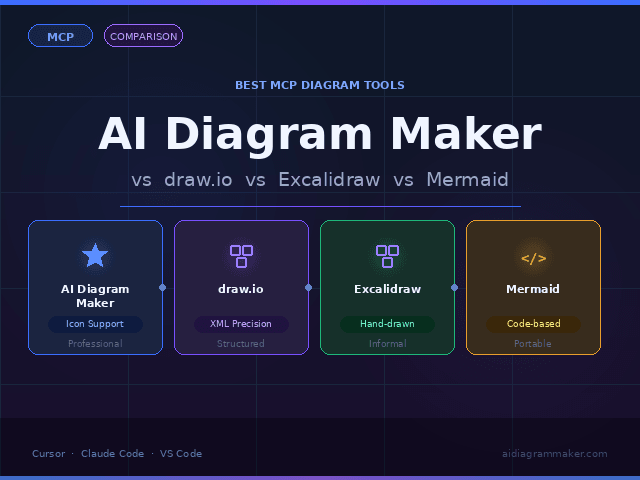
If you want a deeper look at the workflow differences, this pairs naturally with our guide on text-to-diagram vs. code-to-diagram. If agent-based workflows are part of your stack, the most relevant follow-up is Diagram Generator MCP for Cursor, Claude Code, and VS Code.
2. Eraser
Eraser is still one of the strongest options for engineering documentation. It has kept its edge by staying close to developer habits instead of trying to become a general-purpose whiteboard. Its pricing page highlights diagram-as-code, Markdown notes, GitHub integration, VS Code support, and AI diagram generation, which is still a compelling combination for technical teams.
What I like most about Eraser is that it feels opinionated in the right direction. It assumes diagrams belong near docs, reviews, and engineering context. It also now has a clearer agent integration story, which makes it more relevant in 2026 than a lot of “AI-enhanced canvas” tools.
Pros
- Excellent for engineering docs and architecture write-ups
- Diagram-as-code model works well for technical teams
- Strong integrations with GitHub, Confluence, Notion, and VS Code
- AI generation feels practical rather than gimmicky
Cons
- Less friendly for non-technical stakeholders than more visual-first tools
- Styling flexibility is not the main focus
- Some teams will prefer a richer direct-manipulation canvas
Best for
Engineering teams that want diagrams, notes, and technical documentation to live together.
3. Mermaid Chart
Mermaid Chart is one of the easiest recommendations if your team already likes Mermaid and wants AI help without abandoning that ecosystem. Its official pricing and product pages emphasize AI-assisted diagram generation, prompt-based edits, co-editing, and collaboration tiers built around Mermaid-native work.
This is important because a lot of developers already use Mermaid in GitHub, docs, wikis, or markdown-based knowledge bases. Mermaid Chart gives those teams a smoother AI layer and a more collaborative editing experience than plain Mermaid syntax alone.
Pros
- Great fit for Mermaid-first teams
- Plain-language prompting lowers the syntax barrier
- Strong collaboration story for teams
- Good balance between text-based diagrams and easier visual editing
Cons
- Best value appears when your team already wants Mermaid
- Less differentiated if you do not care about Mermaid compatibility
- Some workflows are still more language-centric than canvas-centric
Best for
Teams that want Mermaid compatibility with better AI generation and collaboration.
4. Lucidchart
Lucidchart remains one of the strongest enterprise choices, and Lucid AI gives it a more credible spot in this list than it had a year ago. According to Lucid’s official AI overview, it now supports diagram generation from prompts, brainstorming support, content summaries, and AI-backed integrations with tools like Slack and Microsoft Copilot.
What keeps Lucidchart relevant is not that it is the most developer-native tool. It is that large organizations already trust it, know how to roll it out, and can use it across multiple departments. For a product team working closely with design, operations, leadership, and engineering, that still matters a lot.
Pros
- Excellent enterprise collaboration and admin posture
- Broad template coverage across business and technical diagrams
- Strong cross-functional adoption
- AI features are now more useful than simple layout assistance
Cons
- More enterprise-heavy than developer-heavy
- Manual canvas work still plays a larger role in iteration
- Can feel like too much tool for smaller teams
Best for
Large organizations that need one diagramming platform across many teams.
5. Miro
Miro belongs in this list because a lot of product and cross-functional teams do not start with a formal architecture diagram. They start with a workshop, a process map, a sticky-note wall, or a fast whiteboard session. Miro’s diagram pages position it as an AI-powered workspace for flowcharts, UML, ER diagrams, and technical diagrams, supported by a very large shape library and strong team collaboration.
For product discovery and alignment work, that is a real advantage. When the goal is less “create living technical documentation” and more “get everyone aligned quickly,” Miro can be the better fit than a more code-centric tool.
Pros
- Excellent for workshops and cross-functional collaboration
- AI helps teams move from brainstorm to structure quickly
- Huge shape library across technical and business use cases
- Familiar to many product and delivery teams already
Cons
- Whiteboard-first model can feel loose for strict technical documentation
- Not the best fit if code-to-diagram is your main requirement
- Diagrams can drift into workshop artifacts unless managed carefully
Best for
Product teams, facilitators, and mixed technical-business groups.
6. Whimsical
Whimsical stays valuable because it is fast, clean, and easy to use. Its official AI pages focus on flowchart generation, mind maps, and quick visual organization on an infinite canvas. It is not trying to be the deepest architecture platform in the market, and that is probably why many teams still like it.
If your work involves lots of lightweight flows, user journeys, and fast planning diagrams, Whimsical is often easier to live with than a more complex platform.
Pros
- Fast and polished experience
- Great for simple flowcharts, user flows, and mind maps
- Good collaboration for small and medium teams
- Lower friction than enterprise-heavy tools
Cons
- Less technical depth than developer-first tools
- Not the strongest option for code-driven workflows
- Better for lightweight structure than deep system modeling
Best for
Teams that want speed, clarity, and minimal setup friction.
7. Creately
Creately rounds out this list because it covers a different but still important slice of the market. Its official pricing and plans emphasize AI diagrams, version history, data linking, Excel and Google Sheets sync, and process-heavy collaboration. That makes it useful for business process mapping, operational documentation, and teams that need diagrams tied to structured data.
I would not put Creately first for developer-native AI workflows, but I would absolutely keep it on the shortlist for operations, product ops, IT, and business teams that want more than a simple visual board.
Pros
- Broad diagram coverage with strong business and process use cases
- Data-linked diagrams are useful for operational work
- AI diagram support plus version history
- Good cross-functional value for teams outside pure engineering
Cons
- Less opinionated for software architecture than the top developer-first tools
- Broader feature surface can feel heavier
- Best features matter most when you need data and process integration
Best for
Business process mapping, ops-heavy teams, and mixed business-technical workflows.
Feature Matrix
This is the table I would personally use when choosing between the top seven.
| Tool | Text-to-diagram | Code-to-diagram | Canvas editing | Diagram-as-code | MCP or agent workflow | Icons and themes |
|---|---|---|---|---|---|---|
| AI Diagram Maker | Excellent | Excellent | Excellent | Strong D2 editing | Excellent | Excellent |
| Eraser | Excellent | Good | Good | Excellent | Strong | Good |
| Mermaid Chart | Very good | Moderate | Good | Excellent for Mermaid | Moderate | Good |
| Lucidchart | Very good | Limited | Excellent | Limited | Limited | Very good |
| Miro | Good | Limited | Excellent | Limited | Limited | Good |
| Whimsical | Good | Limited | Very good | Limited | Limited | Good |
| Creately | Good | Limited | Very good | Limited | Limited | Good |
Pricing and Value Table
Pricing changes often, so treat this as directional rather than permanent. I used each vendor’s official pricing page where available.
| Tool | Free plan | Paid entry point | Value note |
|---|---|---|---|
| AI Diagram Maker | Yes | $10/month (plus), $20/month (max) | Strong value if you need both AI generation and technical editing workflows |
| Eraser | Yes | $15/user/month annually | Worth it for engineering teams that want docs plus diagrams in one workflow |
| Mermaid Chart | Yes | $10/user/month annually | Strong value for Mermaid-centric teams |
| Lucidchart | Yes | Paid tiers available | Best value when many business teams share the platform |
| Miro | Yes | Paid tiers available | Strong for workshop-heavy and collaboration-heavy organizations |
| Whimsical | Yes | Paid tiers available | Good lightweight value for fast planning and flow work |
| Creately | Yes | Paid tiers available | Good for process and data-linked use cases |
Which Tool Is Best for Your Workflow?
If your team mostly lives in code and wants diagrams to stay close to the system, AI Diagram Maker, Eraser, and Mermaid Chart should be your first three tabs.
If your work is more collaborative and less code-centered, Lucidchart, Miro, and Whimsical become more attractive. Lucidchart is the best enterprise-safe choice. Miro is often the best product-team choice. Whimsical is the easiest to recommend when you want speed and simplicity.
If your diagrams sit close to process documentation, data mapping, or operational workflows, Creately is a very reasonable pick.
FAQ
What is the best AI diagram tool for software engineers in 2026?
For most software engineers, I would start with AI Diagram Maker or Eraser. AI Diagram Maker is stronger if you want AI-first generation, direct canvas editing, code-to-diagram, and MCP-based agent workflows. Eraser is a great choice if diagram-as-code and engineering documentation are the center of your workflow.
Which AI diagram tool is best for code-to-diagram workflows?
AI Diagram Maker is the strongest pick in this list for code-to-diagram workflows because it combines repository-based generation with direct editing and technical customization after the first draft. Eraser is also strong, especially if your team likes diagram-as-code and documentation in the same workspace.
Which tool is best for product teams?
Miro is usually the best fit for product teams because it supports workshops, whiteboarding, process mapping, and AI-assisted diagramming in the same workspace. Whimsical is a great alternative when the team wants something lighter and faster.
Are there AI diagram tools with MCP or agent support?
Yes. This is becoming a more important category. AI Diagram Maker supports MCP workflows for creating diagrams directly from coding agents, and that makes it especially useful for modern developer tooling setups. Eraser, draw.io, and tools like ToDiagram also have agent or MCP stories, but they are not all equally strong for end-to-end diagram workflows.
Final Verdict
If I had to recommend one tool to the broadest technical audience in 2026, I would pick AI Diagram Maker because it covers the whole journey from prompt to polished diagram better than most alternatives. It is especially strong now that the product supports easier canvas editing, code-to-diagram workflows, icon-rich architecture diagrams, theme controls, and MCP integrations for coding agents.
That said, there is no single winner for every team. Eraser is still excellent for engineering documentation. Mermaid Chart is a smart pick for Mermaid-native teams. Lucidchart, Miro, Whimsical, and Creately each make sense when collaboration style matters more than code proximity.
If this workflow sounds like the direction your team is already moving in, try AI Diagram Maker and see how far you can get without dragging boxes around for half an hour.