· Support & Resources · 5 min read
How Does AI Generate Diagrams from Text?
Curious about the magic behind the tool? We answer the most common questions about how AI generates diagrams, accuracy, security, and how you can use it to speed up your workflow.
1. What is AIDiagramMaker and how does it work?
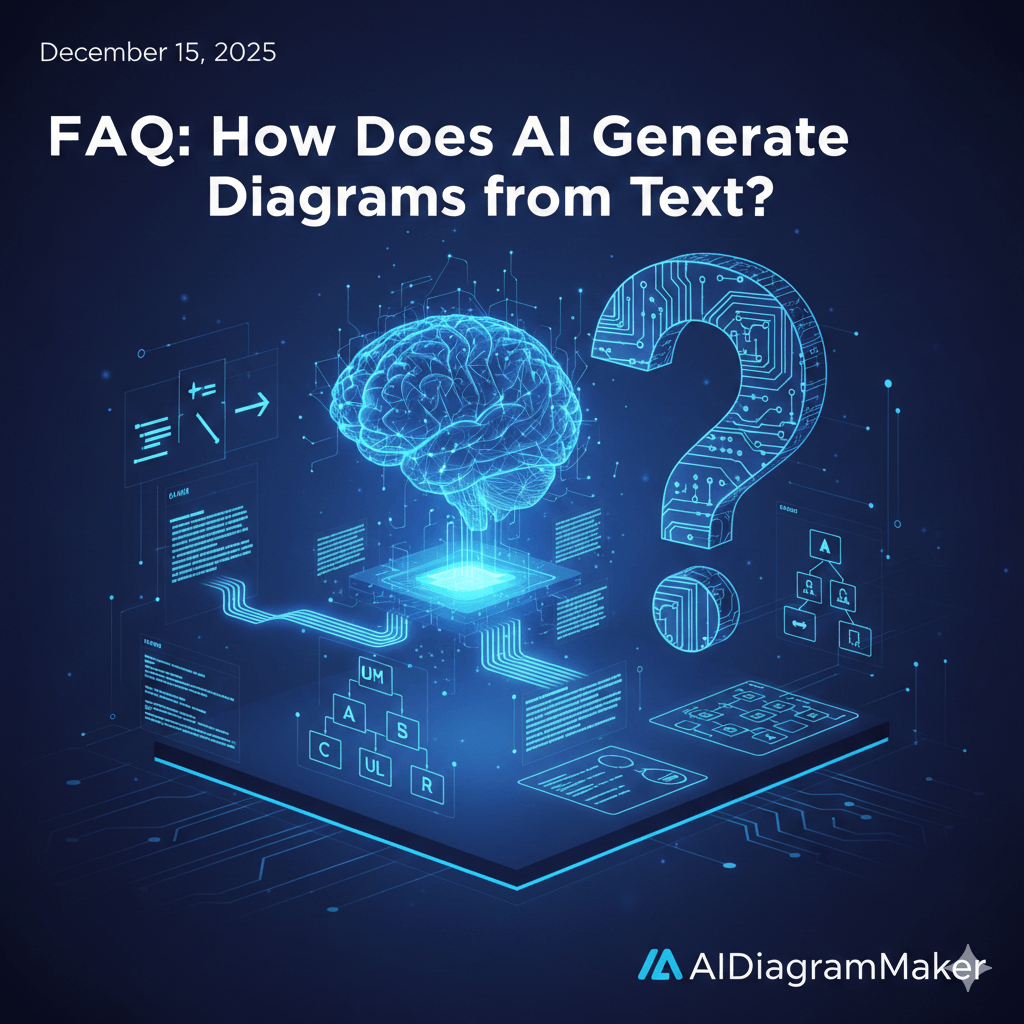
At its core, AIDiagramMaker is a tool that helps you create diagrams automatically. Instead of you having to manually drag and drop shapes and connect them with lines, you just tell our AI what you want to visualize. You can do this by writing a simple sentence, like “Create a flowchart for a user login process,” or by giving it a piece of code to analyze. The AI then acts as an intelligent assistant, building a clean, professional, and perfectly formatted diagram for you in just a few seconds.
2. Who can use AIDiagramMaker?
Honestly, it’s for anyone who needs to visualize a process or a system. Our biggest audience is probably software developers, tech leads, and product managers who use it for things like architecture diagrams and user flows. But we also have business analysts, students, teachers, and consultants using it every day. If you’ve ever found yourself frustrated with a traditional, manual diagramming tool, then AIDiagramMaker is likely for you.
3. Is AIDiagramMaker free or paid?
Both. We have a free plan that is great for individual use, students, or anyone who wants to try out the core features. This plan usually has some limits on the number of diagrams you can create or the features you can access. We then offer a range of paid plans for professionals and teams that unlock more advanced features like our GitHub integration and unlimited diagrams.
4. What makes AIDiagramMaker different from other diagram tools?
The biggest difference is the input method. Traditional tools are all about manual, drag and drop work. AIDiagramMaker is about describing your idea. This makes the process incredibly fast and efficient. It also means the diagrams are often more accurate, especially when they are generated directly from a source of truth like your code. We’re focused on automating the tedious parts of diagramming so you can focus on your ideas.
5. Do I need design skills to use AIDiagramMaker?
Absolutely not. In fact, that’s one of the main reasons we built it. You don’t need to worry about alignment, color palettes, or font sizes. Our AI has a built-in design engine that handles all of that for you, ensuring every diagram you create is clean, readable, and professional looking by default.
6. What types of diagrams can I create?
You can create a really wide variety. The most common ones are software architecture diagrams, flowcharts, sequence diagrams, UML class diagrams, and entity-relationship diagrams (ERDs) for databases. Because the AI is flexible, you can often describe almost any kind of block or flow diagram and it will do a pretty good job of visualizing it.
7. Can I use it for flowcharts or mind maps?
Flowcharts are one of its biggest strengths. It’s incredibly good at taking a set of procedural steps and turning them into a logical flowchart. For mind maps, while you can create diagrams that branch out from a central idea, it’s not specifically optimized for the traditional, organic mind map style just yet.
8. Do I need to install anything?
Nope. Nothing at all. As long as you have a modern web browser like Chrome, Firefox, or Safari, you can use the full application.
9. Is there a free trial available?
We go one step further. We offer a permanently free plan that lets you use the core features of the product. This way, you can take your time, see if it fits your workflow, and only upgrade if you need the more advanced, professional features.
10. Does AIDiagramMaker work offline?
No, not at this time. AIDiagramMaker is a cloud based web application and requires an active internet connection to communicate with our AI models and to save your work.
11. How secure is my data?
We take security very seriously. All of your data is encrypted in transit. We use industry standard security practices and infrastructure to ensure your diagrams and any connected code are protected.
12. Is my work stored in the cloud?
Yes. All of your diagrams are saved to your account in the cloud. This means you can access them from any computer with a web browser, and you don’t have to worry about losing your work if your computer has a problem.
13. Can I import diagrams from other tools?
We do not import proprietary files (like Visio or Lucidchart files) directly. However, we have a much faster workaround. You can simply upload an image of an existing diagram, and our AI will analyze the visual and recreate it for you. You can also upload PDF documents, and the AI will extract the relevant information to generate a new diagram from that content.
14. Can I export diagrams as PNG, PDF, or SVG?
You can export your diagrams as PNG and SVG. Please note that PDF export is not currently available, but SVG files are fully scalable and can be easily used in documentation or converted to PDF using other tools if needed.
15. Is there an AI feature to generate diagrams automatically?
Yes, that’s the core of the whole product. The entire process is built around the AI automatically generating a diagram based on the text or code you provide.
16. How accurate is the AI in understanding my input?
It’s surprisingly accurate, and it’s getting better all the time. For common diagram types and clear descriptions, the accuracy is very high. The key is often to be clear and specific in your prompt. If you give it a vague or ambiguous instruction, it might misinterpret your intent, but you can almost always refine it with a follow up prompt.
17. Can I use AIDiagramMaker on mobile or tablet?
While the application will likely load on a mobile browser, it is not currently optimized for a small screen or touch interface. We strongly recommend using it on a desktop or laptop computer for the best experience.
18. Is there a desktop app available?
Not at the moment. AIDiagramMaker is a fully browser based application, which means you never have to worry about installing or updating software.