· Support & Billing · 5 min read
AIDiagramMaker Pricing, Account & Billing FAQs
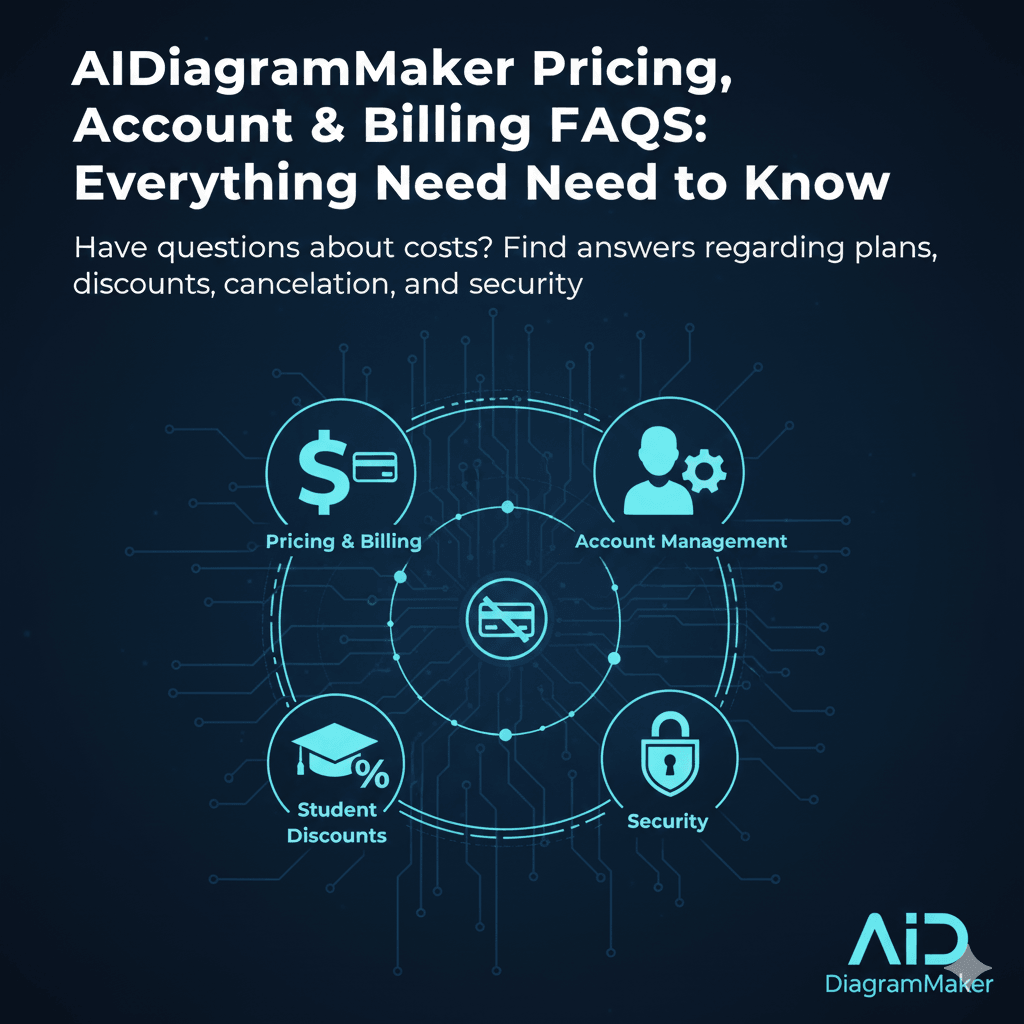
Have questions about AIDiagramMaker costs? Find detailed answers regarding pricing tiers, student discounts, cancellation policies, billing security, and account management.
1. How much does AIDiagramMaker cost?
We have a few different pricing tiers designed to fit different needs. It starts with our free plan, which is genuinely free, and then we have paid plans like our Pro and Team tiers that are available as monthly or yearly subscriptions. For the most up to date and detailed pricing, the best place to look is always our official pricing page on the website.
2. What plans are available?
We keep it simple with three main tiers.
Basic (Free Forever): Perfect for getting started. It includes core AI generation, editing, code export, and GitHub integration for both public and private repos, along with 50 AI credits per month.
Plus ($10/month): Designed for power users. You get everything in Basic but with a higher limit of 250 AI credits per month, plus a 30-day diagram revision history and priority support.
Max ($20/month): Our top tier for heavy usage. It includes 500 AI credits, an extended 90-day revision history.
3. Is there a lifetime deal or only monthly/yearly plans?
At the moment, we only offer monthly and yearly subscription plans. We have found that this model works best as it allows us to continuously invest in improving the product, updating our AI models, and providing ongoing support to all our users.
4. Can I switch from free to paid anytime?
Yes, absolutely. You can upgrade from the free plan to any of our paid plans at any time. The process is quick and automated, and your new features will be unlocked as soon as your payment is complete.
5. Can I cancel my subscription anytime?
Of course. You are in full control. You can cancel your subscription at any time right from your account settings. There are no long term contracts or hidden fees. Your subscription will remain active until the end of your current billing period, and you will not be charged again.
6. What happens to my diagrams if I cancel?
If you cancel your paid subscription, your account will revert to our Free plan at the end of your billing cycle. Your diagrams will still be safe in your account. However, you might lose access to some of the paid features, and you will be subject to the limitations of the free plan, for example, a limit on the number of saved diagrams. We will never delete your work just because you cancel.
7. How can I upgrade or downgrade my plan?
You can change your plan at any time from your account’s billing settings. If you upgrade, the change is usually effective immediately. If you downgrade, the change will typically take effect at the end of your current billing cycle.
8. Do you offer refunds?
Our policy is generally not to offer refunds. However, we do understand that exceptional circumstances can happen. If you feel you have been charged in error or have a unique situation, please contact our support team, and we will review your case.
9. Is payment auto-renewed?
Yes, for your convenience, all our subscriptions are set to auto-renew by default at the end of each billing cycle. However, there is no lock-in. You can cancel your subscription at any time from your account settings to prevent future charges.
10. Which payment methods are accepted?
We accept all major credit cards, such as Visa, Mastercard, and American Express. All our payments are processed securely through a trusted, industry leading payment provider like Stripe.
11. Is my payment information secure?
Absolutely. Your payment information is never stored on our servers. It is handled directly by our PCI compliant payment processor, Stripe, which uses bank level security to keep your information safe.
12. Can I use AIDiagramMaker without an account?
You will need to create a free account to start creating and saving diagrams. This is necessary so that we have a place to save your work and so you can access it again in the future.
13. How can I reset my password?
If you forget your password, you can use the “Forgot Password?” link on the login page. Just enter the email address you signed up with, and we will send you a secure link to reset it.
14. What happens if I forget my login details?
Your login is tied to your email address. If you forget which email you used, you can try a few common ones with the password reset link. If you are still stuck, you can contact our support team, and we will do our best to help you locate your account.
15. Can I use the same account for multiple team members?
For the best experience and for security reasons, we strongly recommend against sharing a single account. Our Team plan is specifically designed for this. It allows each team member to have their own login, while still providing shared access to diagrams and centralized billing for the whole team.
16. Is there a limit to team members per plan?
Our Team plan is typically priced on a per seat, or per user, basis. You can add as many team members as you need, and the price will adjust accordingly. There is no upper limit.
17. Can I share invoices or receipts with my company?
Yes. All of your past invoices and receipts are available for you to view and download directly from your account’s billing section. They are formatted to be perfect for company expense reports.
18. Does AIDiagramMaker charge tax?
Yes, depending on your location, we are required by law to collect applicable taxes, such as VAT or sales tax. Any taxes will be clearly itemized on your invoice before you are charged.
19. How do I contact support for billing issues?
The best way is to use the official support channel listed on our website or within your account dashboard. This will ensure your request is tracked and gets to the right people on our team as quickly as possible.