· Glossary · 3 min read
What Is Crow's Foot Notation?
Crow's Foot Notation is a standard visual language used in Entity Relationship Diagrams (ERDs) to represent relationships between entities, specifically their cardinality and optionality.

If you look at a database diagram, you might see lines ending in strange little shapes. Some look like a cross. Some look like a circle. Some look like the foot of a bird. This is not random art. It is a precise visual language called Crow’s Foot Notation.
Simple Definition
Crow’s Foot Notation is a standard way of representing relationships in an Entity Relationship Diagram (ERD). It allows you to answer specific questions just by looking at the line connecting two tables. “Can a user have zero orders? Or must they have at least one?” “Can an order belong to multiple users?” It gets its name from the “Many” symbol, which branches out like the three toes of a crow.
A Visual Language for Database Relationships
Words are ambiguous. “A user has orders” is vague. Does it mean one order? Five? Can a user exist without an order? Crow’s Foot Notation removes this ambiguity. It creates a strict contract that developers and database administrators can rely on when writing SQL queries.
Interpreting the Symbols
The notation uses combinations of four symbols at the end of the relationship line.
The “Crow’s Foot” (Many)
This looks like a tripod or a fork. It means “Many.” If the line ends with this symbol touching the “Orders” table, it means one User can have Many Orders.
The Line (One)
This is a simple perpendicular dash across the relationship line. It looks like a “T” or a ”|“. It means “One” or “Mandatory.”
The Circle (Zero/Optional)
This looks like an “O”. It means “Zero” or “Optional.”
You combine them to create specific meanings.
- Circle + Crow’s Foot: “Zero or Many” (0..*)
- Line + Crow’s Foot: “One or Many” (1..*)
- Line + Line: “Exactly One” (1..1)
- Circle + Line: “Zero or One” (0..1)
Visualizing with AI
Drawing these symbols by hand is tedious. You have to squint at the line ends in your drawing tool.
Automatically generated in ERDs
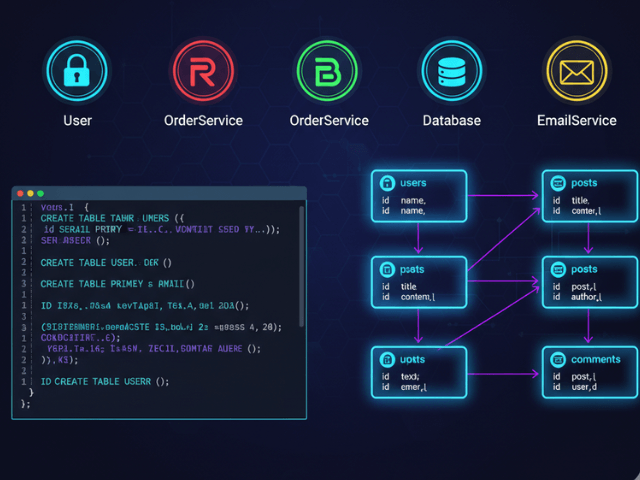
With our AI ER Diagram Generator, you do not have to draw them. When you import your SQL schema, our AI detects the constraints. If a column has NOT NULL, it knows the relationship is mandatory (The Line). If it does not, it knows it is optional (The Circle). It automatically draws the correct Crow’s Foot notation on the ends of the connector lines. This ensures your diagram matches the actual constraints of your database code perfectly.
Related Terms
To master database design, you should know these terms.
- ERD (Entity Relationship Diagram): The map of your database tables where this notation is used.
- Cardinality: The concept of “how many” (one vs many), which this notation visualizes.
- Foreign Key: The database column that implements the relationship described by the notation.
- Mandatory Relationship: A relationship where the child record cannot exist without the parent record.
For more on visualizing data structures, check out our Developer’s Guide: The Programmable Diagram: A Developer’s Guide to D2 and Text-Based Visuals.