· Industry Trends · 9 min read
The Future of Software Documentation: Diagrams That Build Themselves
Traditional documentation is broken. Discover how AI documentation tools and auto-generated diagrams are creating a new era of "Living Documentation" that is always in sync with your code.
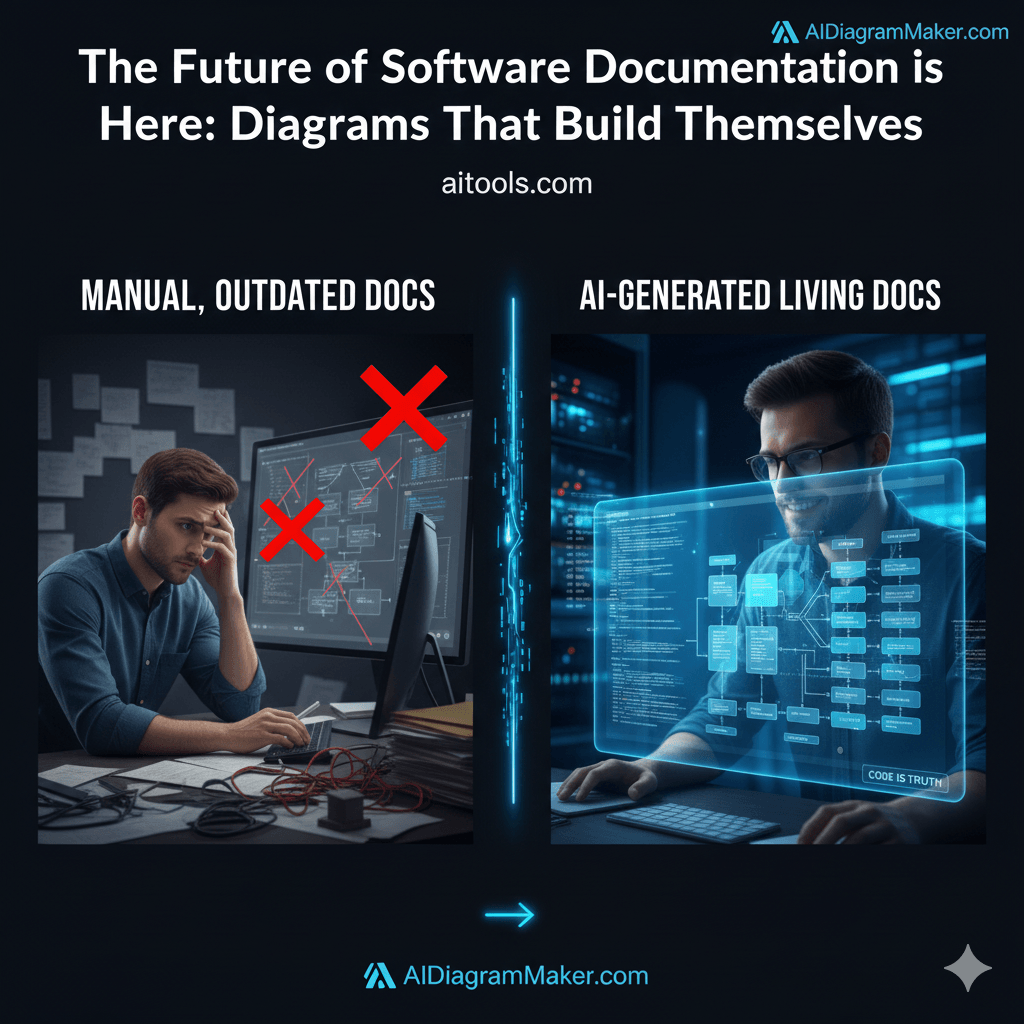
I think we can all admit something to ourselves, especially those of us who have been in the software world for a while. We’ve all seen that one Confluence page. You know the one. It has an architecture diagram that was created with heroic effort for a project launch two years ago. It’s a beautiful artifact, really. Except it’s now completely, utterly wrong. Three new microservices are missing, the payment gateway was swapped out, and the old message queue was replaced. The diagram isn’t just useless; it’s a liability. It’s a map to a city that no longer exists. This isn’t a new problem, but the way we solve it is about to fundamentally change.
Tl;Dr
Don’t have time to read it all? Here is the gist. Traditional software documentation is broken because it is manual, gets outdated almost immediately, and developers dislike doing it. The future is “living documentation,” a system where diagrams and docs are automatically generated from the single source of truth: your code. Generative AI is the engine making this possible. It understands code, intelligently designs layouts, and even allows for conversational edits. For development teams, this means documentation that is always accurate, easy to maintain, and accessible to everyone. We are moving from a world where we draw our systems to one where we describe them, and the documentation builds itself.
Introduction: The Universal Failure of Traditional Documentation
Let’s be honest, the state of most software documentation is a quiet crisis. It’s almost always outdated, frequently untrusted, and for the developers tasked with creating it, it feels like a chore. We’ve all felt that familiar, sinking feeling at the end of a sprint. The feature is built, the code is merged, but now comes the tax: spending hours opening a drawing tool, dragging boxes, aligning lines, and trying to remember every change you just made.
This isn’t a new observation, I know. For years, we’ve blamed this on a lack of discipline or the wrong priorities. We’ve told ourselves that if developers just tried harder, the docs would be better.
But what if the problem isn’t the developers at all? What if the problem is the tooling? The entire process is, I think, fundamentally broken. The manual effort required to create and maintain visual documentation is so high that it can never realistically keep pace with the speed of modern development. The moment a diagram is manually created, it begins to decay.
The thesis of this article is simple. The future isn’t about writing slightly better documentation or finding a tool with nicer looking shapes. It’s about creating systems where the documentation generates itself, where it is a living, breathing reflection of the system itself, drawn directly from the ultimate source of truth, the code.
The Shift from “Documentation-as-Afterthought” to “Living Documentation”
So what does this new world look like? The key concept to understand is “Living Documentation.”
It is a pretty simple idea, really. Living Documentation is a form of documentation that is generated directly from the system code. This ensures it represents what has actually been built, not just what was planned.
Think of it like this. A traditional diagram is like a printed map. It was accurate on the day it was printed, but as new roads are built, it becomes less and less useful.
Our approach acts like a GPS that you can refresh instantly. It connects to your data source. While we are working toward a future where this happens automatically in the background, right now it offers something almost as powerful: the ability to regenerate your entire system map in seconds whenever you push a change. You don’t redraw the map; you just ask the tool to look at the road again.
Let’s contrast the two models.
The Old Model:
- You write the code.
- Weeks later, you remember you need to update the diagram.
- You manually open a tool like Lucidchart or Draw.io.
- You draw what you think you built, based on your memory.
- You export it as a static image, and it immediately starts to become obsolete.
The New Model:
- You write the code and merge it.
- You trigger an AI tool.
- It generates a diagram that shows what you actually built.
This new model is built on a foundational principle that developers have been using for years, just not for pictures. It’s the idea of Diagram as Code. By defining our diagrams in text, we can version, automate, and manage them just like we do our applications. The AI just becomes the brilliant translator that writes that code for us.
Read more about: Diagram as Code
The Role of Generative AI: The Engine of Self-Building Diagrams
This whole idea has been a dream for a while, but it’s generative AI that has finally made it a practical reality. It’s not just about simple code scanning anymore; it’s about a deeper, more intelligent understanding.
AI for Understanding Structure and Intent
The first piece of the puzzle is comprehension. Modern AI models can do more than just read code; they can parse complex codebases, understand the dependencies between different files and services, and infer the logical architecture. The AI can see that a specific service makes a call to a database and then sends an event to a message queue. It doesn’t need to be told. It understands the intent and structure from the code itself, which is a massive leap forward.
AI for Intelligent Layout and Presentation
Of course, just extracting a list of components isn’t enough. I’ve seen plenty of auto-generated diagrams that look like a plate of spaghetti. They’re technically correct but visually useless. The real magic is in the presentation. An intelligent AI diagramming tool also acts as a graphic designer. It handles the aesthetics automatically. It knows how to group related items, ensure the layout is clean and logical, and apply consistent styling. This makes the output instantly useful and professional looking. It’s the difference between a raw data dump and a thoughtfully designed blueprint.
AI for Conversational Refinement
Perhaps the most exciting part of this future is that it’s not just a one-way street. The documentation becomes interactive. Imagine being able to “chat” with your architecture. Instead of hunting through a massive diagram, you can simply ask questions in plain language. “Show me only the services that interact with the payment API.” “Highlight the data flow for a new user registration.” “What would the impact be if we removed the caching layer here?” The AI can then generate a new, simplified view of the diagram on the fly, tailored to your specific question. This turns documentation from a static artifact into a dynamic, queryable tool for exploration and understanding.
What This Means for Development Teams
This shift from manual to automated documentation has some pretty profound implications for how development teams operate. It’s not just a small productivity boost; it changes entire workflows.
A Single Source of Truth
When your architecture diagrams are generated directly from your code or repository files, the endless debates over how a system should work versus how it actually works simply disappear. The diagram is a direct reflection of the code, which is the undeniable ground truth.
This creates an incredible amount of alignment. It reduces misunderstandings between developers, and between engineering and product teams. It is the end of documentation drift.
Read More: Generated directly from your GitHub repository
Documentation That Actually Keeps Up
The real power move here is speed. In the old days, updating a diagram was a project in itself. You had to schedule time for it.
Now, updating documentation takes seconds. When you change a feature or refactor a class, you don’t need to redraw boxes. You simply provide the new code to the AI, and it regenerates the visual.
This means documentation can actually keep up with your sprints. It stops being a separate, heavy task and becomes a quick check at the end of your workflow. It is seamless.
Democratized System Knowledge
In many organizations, deep knowledge of the system architecture is held in the minds of a few senior engineers. This creates bottlenecks and makes onboarding a slow, painful process.
With self-generating diagrams, that knowledge becomes democratized. A new junior developer, a product manager, or even a stakeholder from another department can get an accurate, high level overview of the system in minutes. They don’t need to be able to read thousands of lines of code to understand the big picture. This accessibility accelerates onboarding and fosters a much broader and deeper understanding of the system across the entire organization.
Challenges and the Road Ahead
Now, does this mean we press a button and a perfect, all-encompassing diagram of a massive, ten year old monolith appears instantly? Probably not. It’s important to be realistic. This is a powerful new approach, not a magic wand.
One of the main challenges is handling enormous codebases. Trying to diagram a huge, tightly coupled system all at once can be overwhelming. The better approach, I think, is to start with a specific service or a key user flow. Use the AI to map out a bounded context first, and then expand from there.
It’s also crucial to remember the importance of the human in the loop. The goal of AI here is not to replace human thinking, but to augment it. The AI provides an incredibly accurate and fast first draft. The development team can then add annotations, provide context, and make refinements. The best documentation will always be a combination of machine generation and human insight. This is where features like Diagram Revision History & Version Control become essential, as they allow teams to collaborate on these AI-generated assets just like they do with code.
Read More: Diagram Revision History & Version Control
Conclusion: Your Last Manual Diagram is Already Behind You
The key shift is this: we are moving away from documentation as a static, manual, and often neglected artifact. We are entering an era where documentation is a dynamic, intelligent, and automated system. It’s a fundamental change in our relationship with how we visualize our work.
Tools like AIDiagramMaker are not just offering an incremental improvement over older drawing tools. They represent a complete paradigm shift in the developer workflow. They free up countless hours of engineering time, they dramatically improve the accuracy and trustworthiness of our documentation, and they make our complex systems understandable to a wider audience.
I think the best software teams of tomorrow won’t be the ones that are the most disciplined about writing documentation. They’ll be the ones that build systems to automate it. The era of tedious, manual diagramming is over. Your last manually drawn diagram is likely already behind you.
Step into the future of documentation. Start generating diagrams that build themselves.
Read more about: Ultimate Guide to AI Diagram Generation